
| home | builders | Search |
| builders ➜ Chat Service ➜ Configure Chat Service |
This document discusses how to access the CHAT service web page to set the neighbor configurations.
After your node is up and linked via point to point radio links to your neighbors, investigate the nodes list by using the N (nodes) command.
The pattern of CHAT node names is predictable: They start with "Z", followed by the last 3 characters of the node's callsign, and end in a 2-digit SSID matching their Chat service setup, (usually "09").
Nodes which start with a letter Z are the CHAT nodes. The Z nodes are automatically created on every TARPN node after July 2018.
You need to inquire to your neighbor or otherwise figure out the callsign of the neighbor's CHAT service and note that in addition to noting the associated nodename.
By convention, most CHAT service nodes will be -9, so you'd use "09".
This images shows thre Z-Nodes. The two highlighted in yellow are the neighbors, those are the ones you need. The un-highlighted one (ZIRZ09:N2IRZ-9) is this node's OWN Chat server, and is not used in Chat Config

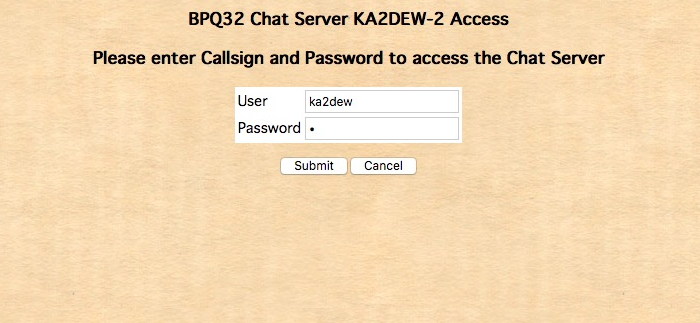
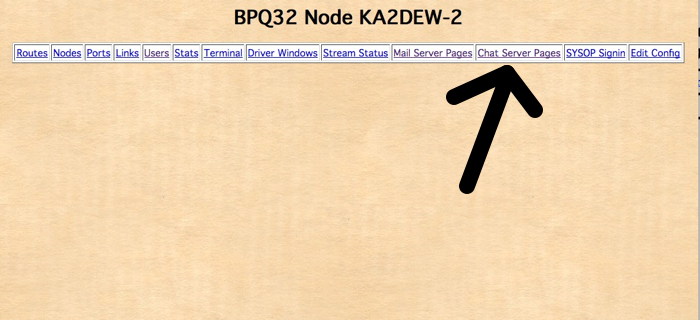 Log in with the operator callsign and a password of p
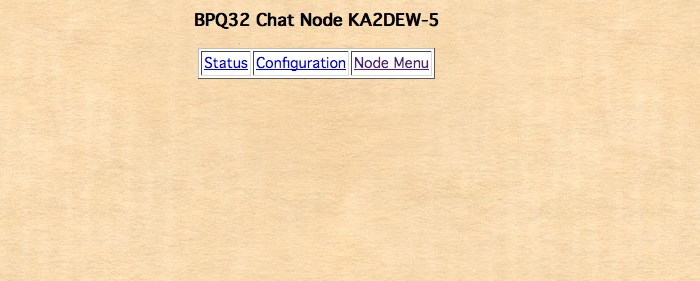
 Click on the Configuration link.
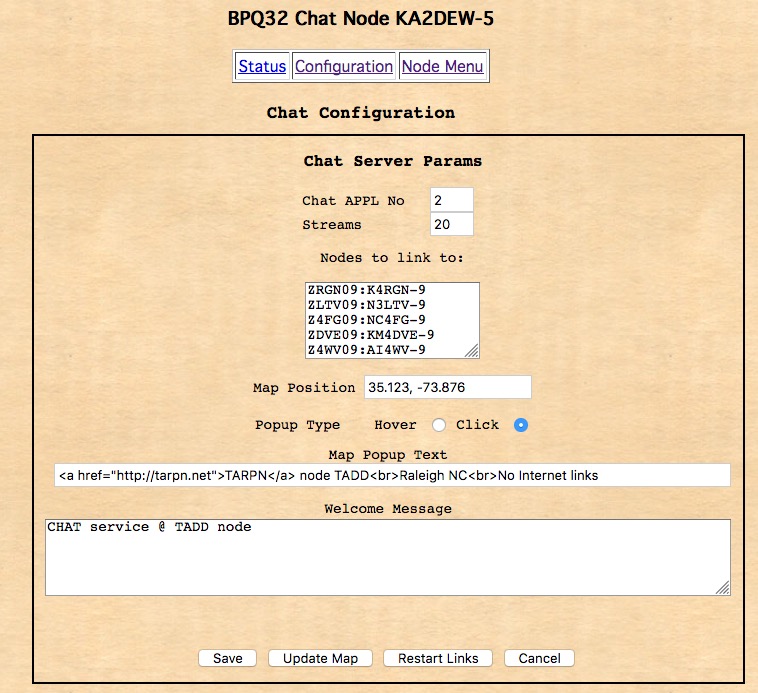
After your node is up and linked via point to point radio links to your neighbors (And ONLY your Neighbors: Not yourself, not everyone in the network. ONLY those you have a Direct link to!), you must type in the neignbor node info as follows:
Nodes which start with a letter Z are the CHAT nodes. The Z nodes are automatically created on every TARPN node after July 2018.
The format of the Z nodename is special and important:
It will be:By convention, most CHAT service nodes will be -9, so you'd use "09".
Make sure you set the Map Position as degrees and decimal degrees for the node's proper position. 33.123, -73.567 There is actually a chat map on the Internet and the map coordinates as well as the Map Popup text are sent to that map. The link to the map is down below.
For the Welcome message, you are likely the only one who will ever see that, so it doesn't matter what you type in.
| builders ➜ Chat Service ➜ Configure Chat Service |